
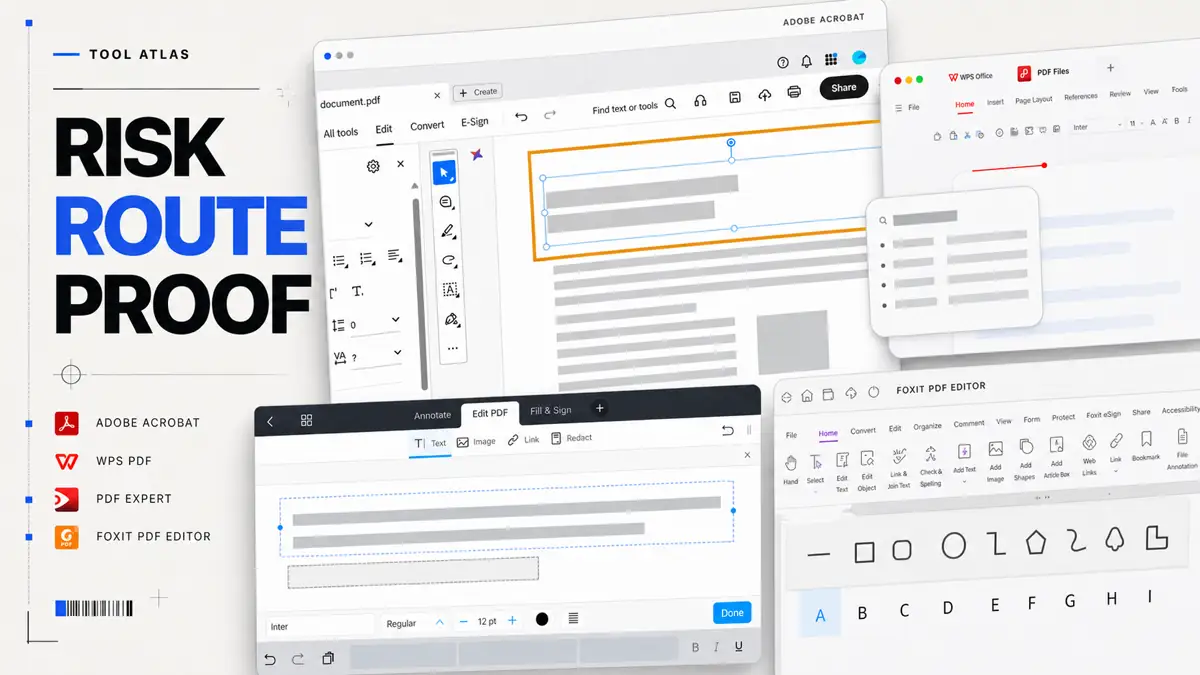
One file format carries several different jobs
A client sends a 46-page contract at 4:30 p.m. You need to correct two clauses, remove a bank account number from an appendix, collect a signature, and return a file that will still make sense when someone opens it years later. A product page may describe all of those actions as PDF features. They carry different consequences. A bad line break is embarrassing. A failed redaction exposes information. A signature route with a weak record can turn a finished negotiation into a dispute.2, 5
That difference explains why “best PDF editor” lists help with discovery yet rarely settle a professional purchase. Reading and annotation need a stable viewer. OCR needs recognition quality and a way to compare the result with the scan. Redaction needs content removal and a recovery test. Accessible delivery needs tags, reading order, document language, and human review. The file extension tells you almost nothing about the control each job needs.4, 3, 12
An independent professional should start with the files that would cause the most harm if handled badly. List the client restrictions, the recipient's software, the final record you must retain, and the person who approves delivery. Then buy the smallest stack that can protect those files. This approach often produces one dependable desktop editor, the free viewers already on your devices, and a separate signing or cloud route used under clear conditions.1, 6, 10
Rehearse the failure, not the demo
Return to the 46-page contract. The bank account number appears once on the visible appendix, once in an OCR text layer, and once in a comment imported from the source document. The signature page uses a font that is not installed on the review laptop. The client asks for a smaller file because the first attachment bounces. None of those details is exotic. Together they turn a four-click edit into a chain of decisions about what may leave the device, what must be removed, and which artifact becomes the record.2, 4, 10
A useful trial starts with fake but hostile material. Put a synthetic account number in visible text, document properties, a comment, and an attachment. Add a scan with two similar customer names. Create a form field that contains a value even when its appearance is blank. Then ask another person to recover the information from the exported file. The point is not to certify a product. It is to discover which parts of your own route depend on assumption rather than evidence.2, 4
This is also where a cheaper editor can beat a broader one. If the practice produces clean proposals from a controlled Word template, uses a separate approved signing service, and never remediates inaccessible documents, a fast Apple-native editor may be the better everyday tool. If outside counsel sends unpredictable scans, portfolios, forms, and certified documents, the broad desktop product can save more than its price. The decisive variable is document variance, not the length of the feature page.1, 6, 7, 11
Before testing products, write a one-page file policy. It should say which documents may use a browser service, which must remain local, who may sign, who verifies redaction, how the final file is named, and how long sources and delivery evidence are kept. Without that policy, the same person will make a new security decision every time a deadline becomes uncomfortable.10, 2, 5
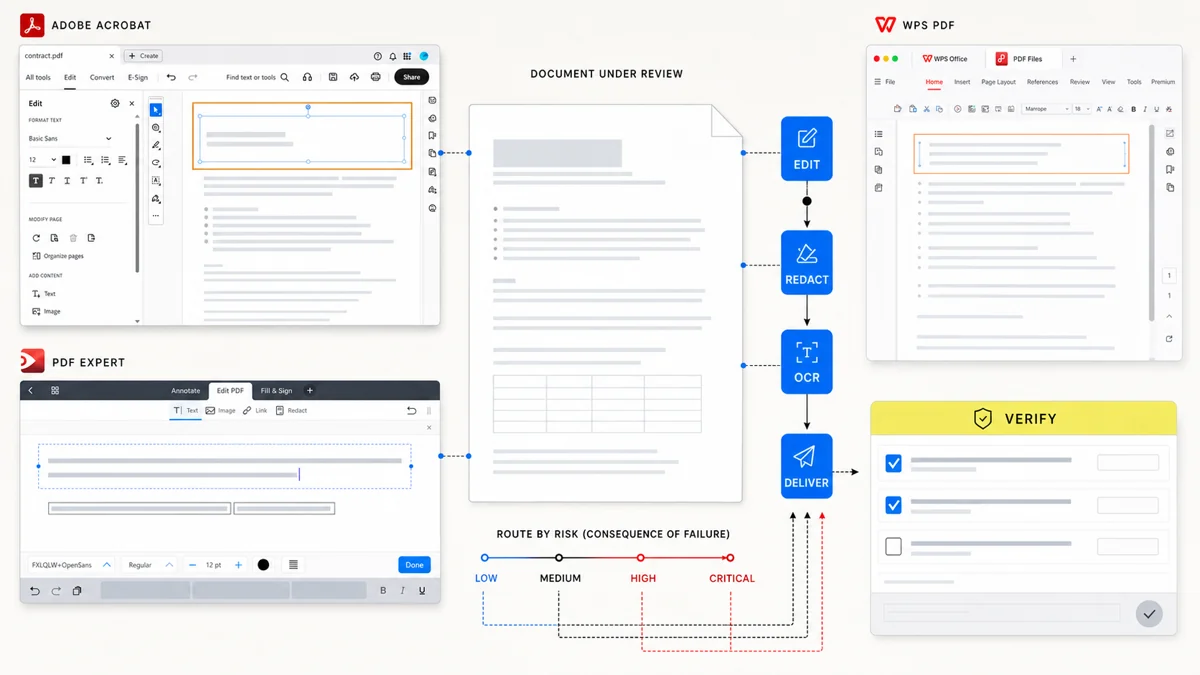
Build the stack around the documents that can cause harm
The default route should stay boring. Keep the source file, work on a copy, export a new PDF, close the editor, and reopen the exported file. Search for a known phrase. Check the page count, links, fonts, fields, and images. If the recipient uses another platform, open the file in a second viewer before sending it. This catches a class of failures that remain invisible inside the editing canvas.4, 11, 7
Most people can organize the stack into three lanes. Routine files stay in the default editor. Sensitive files stay on an approved local route unless the client permits a named service. High-consequence operations such as redaction, certification, or accessible remediation use a documented method and a second review. The same product may serve more than one lane, but the file decides the route.2, 5, 10
| Work | Sensible starting route | Evidence to keep | Reason to add another tool |
|---|---|---|---|
| Reading, comments, form filling | Built-in viewer or default editor | Original and reviewed copy | Comments, fields, or rendering fail in the recipient's environment |
| Editing and conversion | One full desktop editor | Source, exported PDF, second-viewer check | OCR, batch work, fonts, or complex forms fail representative tests |
| Occasional cloud utility | Approved browser service with synthetic or permitted files | Service, account, upload purpose, deletion check | Desktop route cannot complete a rare conversion or compression job |
| Redaction and sensitive delivery | Tool with a real redaction operation and sanitization controls | Redacted output and recovery-test note | Current editor only covers appearance or cannot remove hidden material |
| Signature or certification | Route matched to the agreement | Completed file and signing or certificate record | A pasted mark cannot provide the identity or tamper evidence the transaction needs |
| Accessible final record | Tagged source plus checking and remediation route | Accessibility report, manual checks, final artifact | The source cannot produce usable structure or the team cannot repair the PDF |
This design avoids a common subscription trap. Two full editors often duplicate routine work while neither one owns the difficult exception. Track a month of actual PDF tasks before adding a second subscription. The useful log is short: file type, operation, sensitivity, minutes spent, failure, and repair. A rare redaction job may justify a strong editor. A second annotation app that saves no time probably will not.1, 6, 8, 9
Place Acrobat, PDF Expert, Foxit, WPS, and Smallpdf by job
Adobe Acrobat remains the broadest reference point in this group. Adobe documents editing, OCR, redaction, accessibility repair, certificate-based signatures, and business plans across one product family. That breadth suits consultants who receive unpredictable files or must support formal review routes. It also means more interface, more plan decisions, and a higher chance of paying for capabilities that routine work never touches.1, 2, 3, 4, 5
PDF Expert makes the clearest case for someone who lives on Mac, iPad, and iPhone. Its current plan page places editing, OCR, conversion, signing, and cross-device use together, while the lifetime option applies to Mac. That product shape can remove friction for an Apple-only practice. It becomes a weaker default when clients, assistants, or review machines depend on Windows, or when a job requires a control you have not tested in PDF Expert itself.6
Foxit aims at the full-editor category and spans platforms. WPS places PDF editing and conversion inside a larger office suite. Either can make more economic sense than a separate Acrobat subscription when your real work combines Office files with ordinary PDF changes. The purchase decision should turn on representative documents: embedded fonts, tracked revisions converted from Word, spreadsheet tables, fillable forms, scans, and final rendering in another viewer.7, 8, 11
Smallpdf represents a different route. It removes installation friction and makes occasional browser-based jobs convenient. Its own security page says free-tool files are deleted after one hour, while files stored in an account remain until the user deletes them. Those are vendor claims you can review, not permission to upload any client document. A contract, privacy rule, or client instruction may still keep the file off that service. Test deletion and account access with harmless material before you rely on the route.10, 9
One file can justify two routes
Suppose a consultant receives a photographed, 80-page diligence packet and must return a searchable copy with three exhibits removed. The first pass belongs in a tool that can preserve the scan, run OCR in the right language, and expose the text layer for review. Removal belongs in a redaction route, not a white rectangle. Compression comes last, after the searchable and redacted artifact has passed recovery checks. A browser compressor may be convenient for a public brochure; it should not become the automatic last step for confidential diligence material.4, 2, 10
Now change only the document: the consultant needs to combine public conference handouts and email them from an iPad. The risk falls, mobility matters more, and the cloud restriction may disappear. The professional stack is allowed to choose a different route because the information changed. Consistency means applying the same decision rule, not forcing every PDF through the same application.6, 10
That distinction is missing from most product comparisons. They score the presence of OCR, redaction, signing, or cloud access as though each check mark carried the same assurance. The useful question is narrower: can this exact operation, on this plan and platform, produce evidence strong enough for this file? A feature can be present and still fail the professional route because it is cloud-only, unavailable on the recipient's platform, or too difficult to verify.1, 6, 8, 11
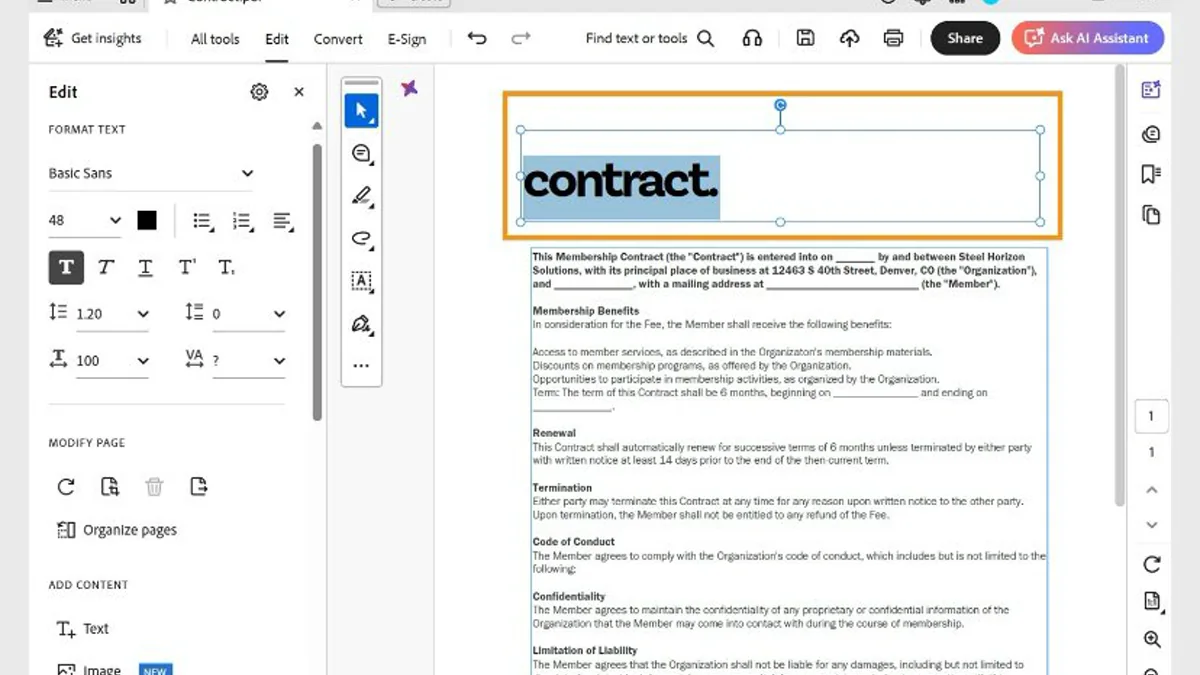
No product name fixes a weak workflow. Desktop applications may call cloud services for selected features. Browser services can keep files in account storage. Signing features can create different levels of evidence. Check the exact operation, plan, account, and configuration you intend to use.1, 10, 5
Treat redaction as a security task
Putting a black rectangle over text hides pixels on the screen. The underlying text, comments, attachments, layers, metadata, or earlier content may remain available. Adobe's redaction guidance treats marking content, applying redactions, and sanitizing hidden information as operations. A professional review should go one step further and attack the output: search, copy and paste, extract text, inspect document properties, and reopen the file in another viewer.2
Use two people when disclosure would harm the client. The first person applies the redaction to a copy. The second person receives the exported file through the same route as the recipient and attempts recovery. Keep a short note with the source filename, output filename, operator, reviewer, date, and checks performed. That note turns “I covered the number” into evidence of what the team tested.2
Signing deserves the same precision. A drawn signature, an electronic-signing service, and a certificate-based signature answer different questions. Decide whether the transaction needs a visible mark, evidence of intent, a completion log, identity assurance, or tamper evidence. Keep the completed document beside its completion or certificate record. A Sign button cannot determine the standard your agreement requires.5, 1
Test OCR and accessibility beyond visual appearance
OCR can produce a page that looks identical to the scan while the recognized text contains wrong names, broken numbers, or a nonsensical reading order. Test search and copy behavior on names, dates, totals, and headings. Compare tables against the image. Set the correct language. Keep the scan so you can resolve a disagreement later. If the document will drive payment, compliance, or a client decision, a person must verify the fields that carry that consequence.4, 3
Accessibility also lives below the visible page. Adobe's checker can find missing tags and image-only pages, yet its own documentation marks some results for manual review. Reading order, meaningful links, table structure, alternative text, form labels, and document language need judgment. Repairing the source document and exporting again often produces a cleaner result than patching the PDF after every revision.3, 12
An accessible delivery test should resemble the recipient's route. Navigate headings and links with a keyboard or assistive technology, inspect the reading order, and confirm that security settings do not block the text extraction a screen reader needs. The final artifact earns approval after those checks, not when the accessibility panel shows a row of green marks.3, 12
Use five difficult files before subscribing
A polished one-page sample will flatter every editor. Build a small trial pack from work you are allowed to use: a long Word export with comments removed, a spreadsheet table, a low-quality scan, a form with fields and signatures, and a redaction sample filled with fake sensitive data. Add long filenames, links, unusual fonts, and pages in different orientations where your work includes them.4, 2, 7, 11
Run the same tasks in each serious candidate. Count completion time and repair time. Open every output outside the tool that created it. For a cloud route, include upload, account recovery, sharing, retention, and deletion. For a paid plan, record the market, billing cadence, renewal term, device coverage, and features that require another service. Vendor pages change, so preserve the date and link rather than treating today's plan as a permanent fact.1, 6, 8, 9, 10
Read the failures as a purchasing brief
Do not average the test into a single score. A tool that is slower on annotation but passes every redaction recovery attempt may be the correct high-risk route. A tool that is delightful on iPad but changes a form field during export should be excluded from that form workflow, not necessarily rejected for reading. Record failures by task and consequence so one dramatic strength does not conceal an unacceptable weakness.2, 5, 6
The trial should end with named defaults. For example: PDF Expert for routine Apple-device reading and edits; Acrobat for OCR, redaction, accessibility, and certificate work; the client-approved signing service for agreements; Smallpdf only for public or synthetic material when a browser utility is materially faster. Another practice may choose Foxit or WPS. What matters is that a colleague can tell which route applies before opening the document.1, 6, 8, 9, 11
Review that default after a real failure or a sustained change in work. If three months pass without using the specialist route, the subscription may be unnecessary. If the practice begins delivering accessible reports or receives more scanned records, the old default may no longer cover the expensive edge. Usage volume explains convenience; incident and exception logs explain risk.3, 4, 1
The likely answer is straightforward. Apple-only professionals with ordinary editing needs should test PDF Expert first. Cross-platform practices that want a full editor should compare Acrobat and Foxit on their hardest recurring files. WPS deserves a trial when Office and routine PDF work belong in one value decision. Smallpdf suits permitted, occasional browser jobs. Acrobat has the strongest case when redaction, accessibility, OCR, signing, and unpredictable client files must live in one documented route.1, 6, 8, 9, 11
Keep the stack small, and make the final PDF prove that the workflow worked. The recipient receives the export, not your feature list.3, 2, 5